Support our educational content for free when you purchase through links on our site. Learn more
How Businesses Can Automate Data Extraction With OpenClaw 🦞


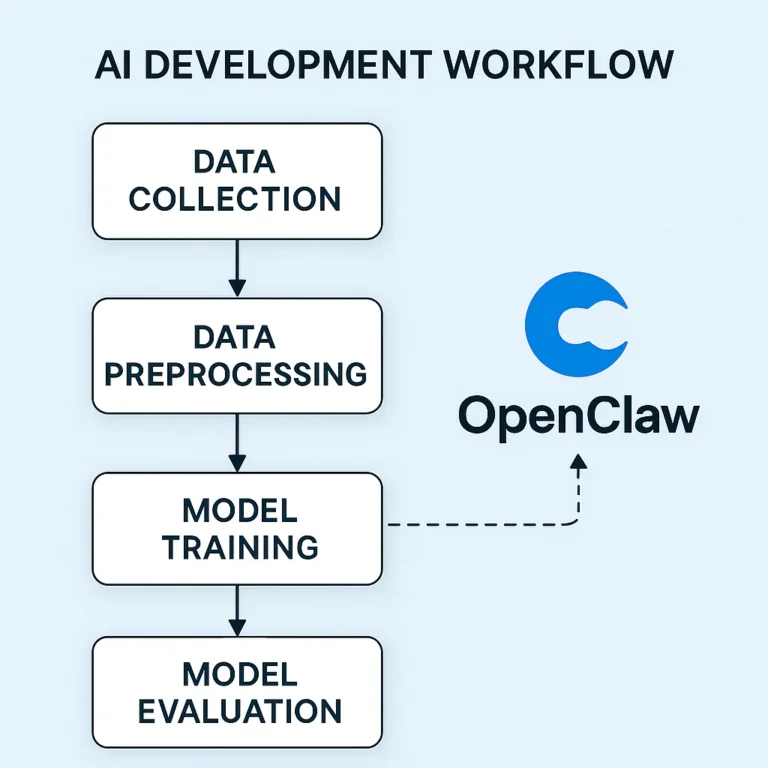
Businesses can use OpenClaw to automate data extraction by pairing AI models with tools that read incoming documents, identify key fields, validate the results, and route structured data into systems such as spreadsheets, CRMs, or databases. The smart approach is to begin with a repetitive, low-risk workflow—like extracting invoice details—and keep human review for uncertain or consequential decisions.
The distinction matters: OpenClaw can coordinate an AI-powered workflow, but it does not make every extraction automatically accurate or every integration plug-and-play. Reliable results depend on clear instructions, tightly scoped permissions, validation rules, and a safe destination for exceptions.
Imagine an accounts-payable team opening yet another vendor invoice with a layout nobody has seen before. Instead of manually copying the invoice number, date, and total into a spreadsheet, a well-designed workflow can extract those fields, check them against expected formats, and flag anything suspicious for review. The tedious part shrinks; the humans keep the judgment calls.
So, how can businesses use OpenClaw to automate data extraction with AI? We’ll explain practical use cases, setup steps, integrations, security considerations, and the checks that help prevent confident-looking mistakes.
Key Takeaways
- Use OpenClaw to coordinate extraction workflows: Read or receive business data, ask an AI model to structure it, apply validation, and send approved results to connected tools.
- Start with repeatable tasks: Invoices, lead details, support messages, and recurring reports make useful pilot workflows.
- Treat AI output as a draft, not a guarantee: Validate formats and business rules, and route ambiguous or high-impact records for human review.
- Connect tools deliberately: Spreadsheets, CRMs, databases, APIs, and workflow platforms can serve as destinations, depending on your setup and permissions.
- Protect data and credentials: Limit access, minimize sensitive information, and review applicable privacy, security, and compliance requirements before deploying.
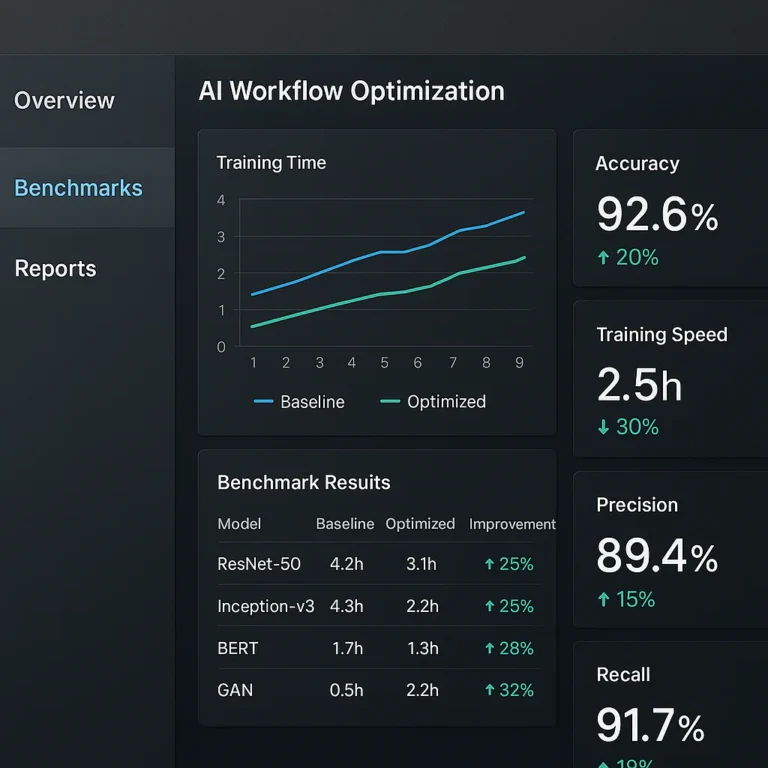
- Measure the result: Track accuracy, exception rates, processing time, and staff effort—not just the number of documents processed.
Table of Contents
- ⚡️ Quick Tips and Facts
- 🦞 What Is OpenClaw? Background on the AI Automation Platform
- 🔍 How OpenClaw Uses AI to Extract Business Data
- Structured vs. unstructured data: what can it read?
- How AI agents, tools, and workflows fit together
- 🏢 12 Business Data Extraction Use Cases for OpenClaw
- 1. Extract information from invoices and receipts
- 2. Parse purchase orders and vendor documents
- 3. Capture leads from forms, emails, and websites
- 4. Enrich CRM records with customer details
- 5. Summarize support tickets and customer feedback
- 6. Extract contract terms and renewal dates
- 7. Collect product and pricing data
- 8. Turn reports and PDFs into spreadsheet rows
- 9. Classify and route incoming emails
- 10. Monitor operational documents and compliance records
- 11. Extract research and market intelligence
- 12. Update dashboards from recurring business reports
- 🛠️ OpenClaw Data Extraction Workflow: From Source to Destination
- Choose data sources and define extraction goals
- Design prompts, schemas, and validation rules
- Connect databases, spreadsheets, APIs, and business apps
- Review, approve, and store extracted data
- 🚀 How to Set Up an OpenClaw Data Extraction Workflow
- Prepare your OpenClaw environment and permissions
- Select an AI model and configure tools
- Build a document-to-database automation
- Test with sample files before going live
- 🔗 OpenClaw Integrations for Business Data Automation
- Email, cloud storage, and document management
- CRMs, databases, and spreadsheets
- APIs, webhooks, and workflow automation platforms
- When to use n8n, Make, or Zapier alongside OpenClaw
- 📊 OpenClaw vs. Traditional OCR and Data Extraction Tools
- OpenClaw vs. OCR software
- OpenClaw vs. RPA and rule-based automation
- When a specialized document AI tool may be a better fit
- 🎯 Data Quality: Accuracy, Validation, and Human Review
- Common extraction errors and how to prevent them
- Confidence scores, exception handling, and audit trails
- Measure accuracy, processing time, and business impact
- 🔐 Security, Privacy, and Compliance Considerations
- Protect sensitive business and customer information
- Manage access, credentials, and data retention
- Consider GDPR, HIPAA, and industry-specific requirements
- Reduce prompt injection and unsafe automation risks
- ⚠️ OpenClaw Data Extraction Limitations and Trade-Offs
- Model errors, changing document formats, and brittle workflows
- Costs, latency, and maintenance considerations
- Tasks that should keep a human in the loop
- 💡 Best Practices for Reliable AI Data Extraction
- Start with one repeatable, high-value workflow
- Use clear schemas and deterministic checks
- Log changes and monitor workflow health
- Scale gradually across teams and data sources
- ❓ FAQs About Using OpenClaw for Business Data Extraction
- Can OpenClaw extract data from PDFs and scanned documents?
- Can OpenClaw write extracted data to Google Sheets or a CRM?
- Does OpenClaw require coding to automate data extraction?
- How accurate is AI-powered extraction?
- Is OpenClaw safe for confidential business data?
- Can OpenClaw extract data from websites?
- How should businesses handle extraction errors?
- ✅ Conclusion: Is OpenClaw Right for Your Data Extraction Workflow?
- 🔗 Recommended Links
- 📚 Reference Links
Table of Contents
- ⚡️ Quick Tips and Facts
- 🦞 What Is OpenClaw? Background on the AI Automation Platform
- Structured vs. unstructured data: what can it read?
- How AI agents, tools, and workflows fit together
- 🔍 How OpenClaw Uses AI to Extract Business Data
- From source document to structured output
- Where visual browser automation fits
- 🏢 12 Business Data Extraction Use Cases for OpenClaw
- 1. Extract information from invoices and receipts
- 2. Parse purchase orders and vendor documents
- 3. Capture leads from forms, emails, and websites
- 4. Enrich CRM records with customer details
- 5. Summarize support tickets and customer feedback
- 6. Extract contract terms and renewal dates
- 7. Collect product and pricing data
- 8. Turn reports and PDFs into spreadsheet rows
- 9. Classify and route incoming emails
- 10. Monitor operational documents and compliance records
- 11. Extract research and market intelligence
- 12. Update dashboards from recurring business reports
- 🛠️ OpenClaw Data Extraction Workflow: From Source to Destination
- Choose data sources and define extraction goals
- Design prompts, schemas, and validation rules
- Connect databases, spreadsheets, APIs, and business apps
- Review, approve, and store extracted data
- 🚀 How to Set Up an OpenClaw Data Extraction Workflow
- Prepare your OpenClaw environment and permissions
- Select an AI model and configure tools
- Build a document-to-database automation
- Test with sample files before going live
- 🔗 OpenClaw Integrations for Business Data Automation
- Email, cloud storage, and document management
- CRMs, databases, and spreadsheets
- APIs, webhooks, and workflow automation platforms
- When to use n8n, Make, or Zapier alongside OpenClaw
- 📊 OpenClaw vs. Traditional OCR and Data Extraction Tools
- OpenClaw vs. OCR software
- OpenClaw vs. RPA and rule-based automation
- When a specialized document AI tool may be a better fit
- 🎯 Data Quality: Accuracy, Validation, and Human Review
- Common extraction errors and how to prevent them
- Confidence scores, exception handling, and audit trails
- Measure accuracy, processing time, and business impact
- 🔐 Security, Privacy, and Compliance Considerations
- Protect sensitive business and customer information
- Manage access, credentials, and data retention
- Consider GDPR, HIPAA, and industry-specific requirements
- Reduce prompt injection and unsafe automation risks
- ⚠️ OpenClaw Data Extraction Limitations and Trade-Offs
- Model errors, changing document formats, and brittle workflows
- Costs, latency, and maintenance considerations
- Tasks that should keep a human in the loop
- 💡 Best Practices for Reliable AI Data Extraction
- Start with one repeatable, high-value workflow
- Use clear schemas and deterministic checks
- Log changes and monitor workflow health
- Scale gradually across teams and data sources
- ❓ FAQs About Using OpenClaw for Business Data Extraction
- How can businesses use OpenClaw to extract data from documents automatically?
- What types of business data can OpenClaw extract with AI?
- Can OpenClaw connect AI data extraction workflows to CRM and ERP systems?
- How can businesses use OpenClaw to validate and clean extracted data?
- What security measures should businesses consider when automating data extraction with OpenClaw?
- How can AI-powered data extraction with OpenClaw improve business decision-making?
- How can businesses measure the ROI of OpenClaw data extraction automation?